Fixed-Weight Filter Line
Selects one of six fixed coefficient tables and draws a line summing past prices multiplied by the weights. The weights differ by table, so the number of bars alone does not determine the line's shape.
Coming soon · MT5 only · no licence file needed
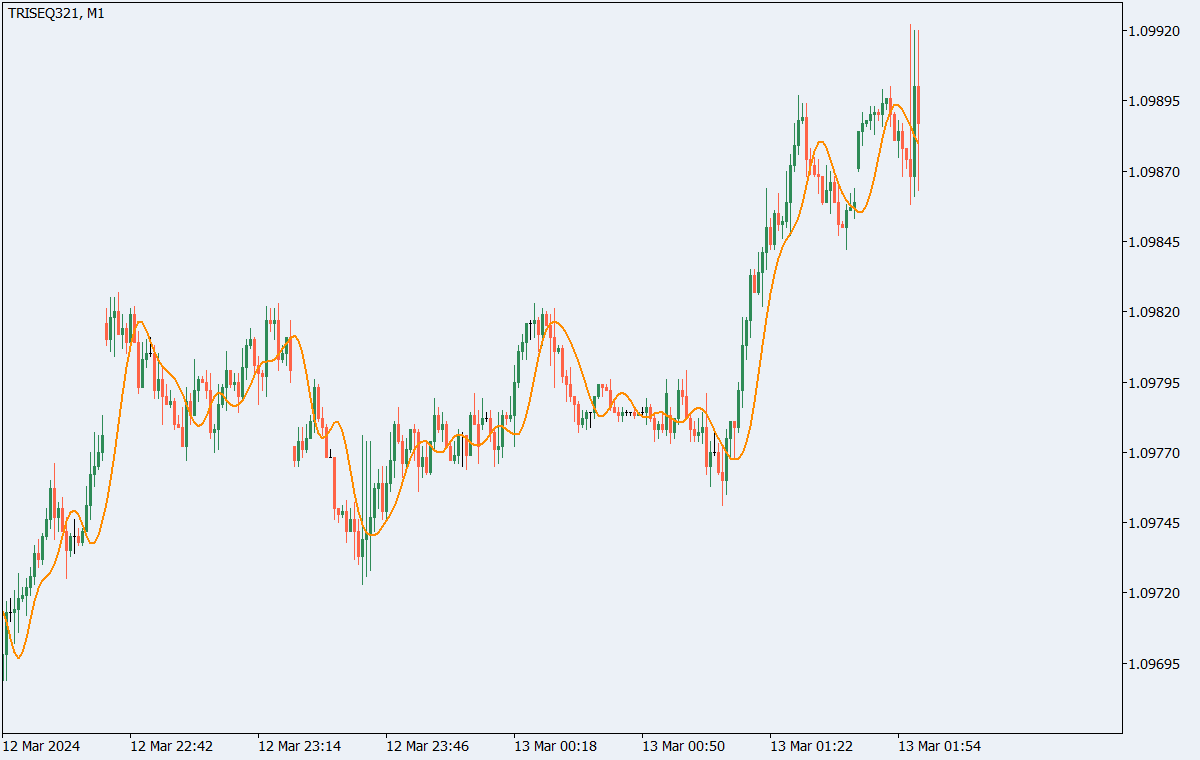
Examples with changed settings are in the manual.
Main settings
| Input | Default |
|---|---|
| Coefficient Table | 45 Bars |
| Applied Price | Close |
Usage specifications
Color and display
The default is an orange (DarkOrange) solid line with width 2. There are no level lines, marks, text or notifications. No value header like that of a separate window appears on the price chart.
Drawing start and history
It draws from the bar at which the number of bars in the table is available. Adding history older than the required window does not change the value if the prices in the window are the same. If bars within the window are corrected, the value also changes.
Do not compare by table name alone
A larger number of bars does not always weaken all movements. Each table passes different cycles and has different swing multipliers.
Checking the display
In the modified example, the line goes off the bottom on the left side of the screen. Being off screen alone does not prove the effect of negative coefficients. The older prices used and the display range are also involved.
The latest bar changes
When Applied Price is not Open, the value of the forming bar changes. With Open, it does not change during the bar unless that bar's open changes.
When the line is not visible
The vertical range of the price chart is based on the candlesticks. It does not automatically expand to fit the indicator line, so the line is not visible if it goes outside the upper or lower display range.
Only 1 instance of the same product on 1 chart
This manual describes adding 1 instance of this product to 1 chart. To compare different settings, use separate charts.
For on-screen display only
The display is a record of calculation results. It does not direct trading decisions and does not guarantee future price movements.
Full manual
How to read the display, the settings, installation and what to check when something goes wrong, on one page. The product is in preparation for release; the manual is published so that you can review its content.
- MT5 display and examples of changed settings
- How to read it in 30 seconds
- What it measures
- Situations for reading the display
- Steps for checking the display
- Installation and checking the package contents
- Settings
- Usage specifications
- Troubleshooting and usage notes
- Technical information and specification details