Condition MA
Shows the position of a moving average and the state of a separately calculated condition as one coloured line.
Coming soon · MT5 only · no licence file needed
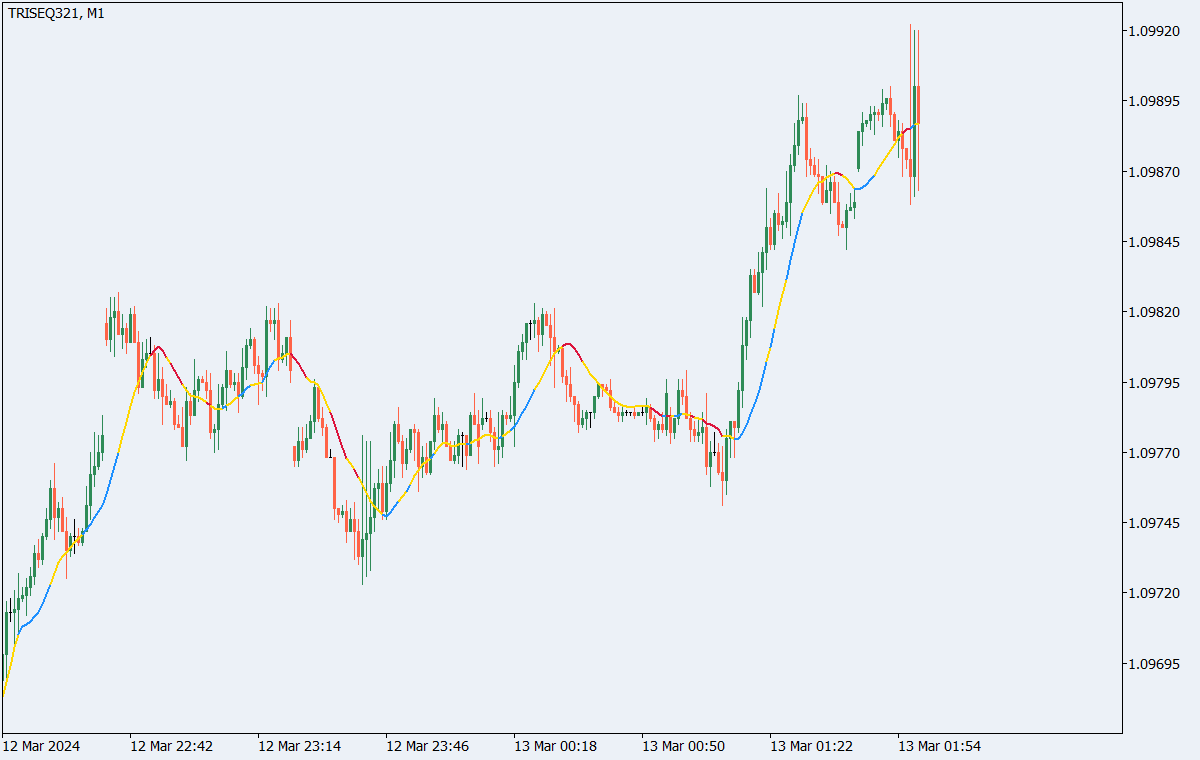
Examples with changed settings are in the manual.
Main settings
| Input | Default |
|---|---|
| MA Period | 14 |
| MA Method | SMA |
| MA Price | CLOSE |
| Condition Source | CCI |
| Source Period (CCI, RSI, Stochastic %K, Lagged Mean) | 14 |
| Source Price | CLOSE |
| Upper Level (CCI, RSI, Stochastic) | 100 |
| Lower Level (CCI, RSI, Stochastic) | -100 |
| Stochastic Slowing | 3 |
| Stochastic %D Period | 5 |
| Stochastic %D Method | SMA |
| Stochastic Price Field | Low/High |
| MACD Fast EMA | 12 |
| MACD Slow EMA | 26 |
| MACD Signal SMA | 9 |
| Relation Fast Period | 5 |
| Relation Method | LWMA |
| Relation Stage 1 Period | 10 |
| Relation Stage 2 Period | 20 |
| Lagged Mean Series | Source Price |
Usage specifications
Forming bar
When the price of the latest bar updates, the line position and color also change. Do not treat the color before the bar closes as a closed record.
What it shows and does not show
It draws only the moving average line. It does not display or output the condition values, upper and lower level lines, arrows, notifications or sounds.
Set valid values even for unused inputs
Inputs not used by the condition source are also checked at loading. If the period, price, averaging method, upper and lower levels or similar inputs are outside the allowed range, it cannot be loaded.
The meaning of colors differs by condition
Blue and red are comparison results of each calculation. This product does not present color changes or the upper and lower levels as trading signals.
Only 1 instance of the same product on 1 chart
This manual describes adding 1 instance of this product to 1 chart. To compare different settings, use separate charts.
For on-screen display only
The display is a record of calculation results. It does not direct trading decisions and does not guarantee future price movements.
Full manual
How to read the display, the settings, installation and what to check when something goes wrong, on one page. The product is in preparation for release; the manual is published so that you can review its content.
- MT5 display and examples of changed settings
- How to read it in 30 seconds
- What it measures
- Situations for reading the display
- Steps for checking the display
- Installation and checking the package contents
- Settings
- Usage specifications
- Troubleshooting and usage notes
- Technical information and specification details