Body Direction Momentum
Aligns the sign of the close change with whether the candle body is bullish or bearish, averages it over recent bars and shows it in a sub-window as points per bar.
Coming soon · MT5 only · no licence file needed
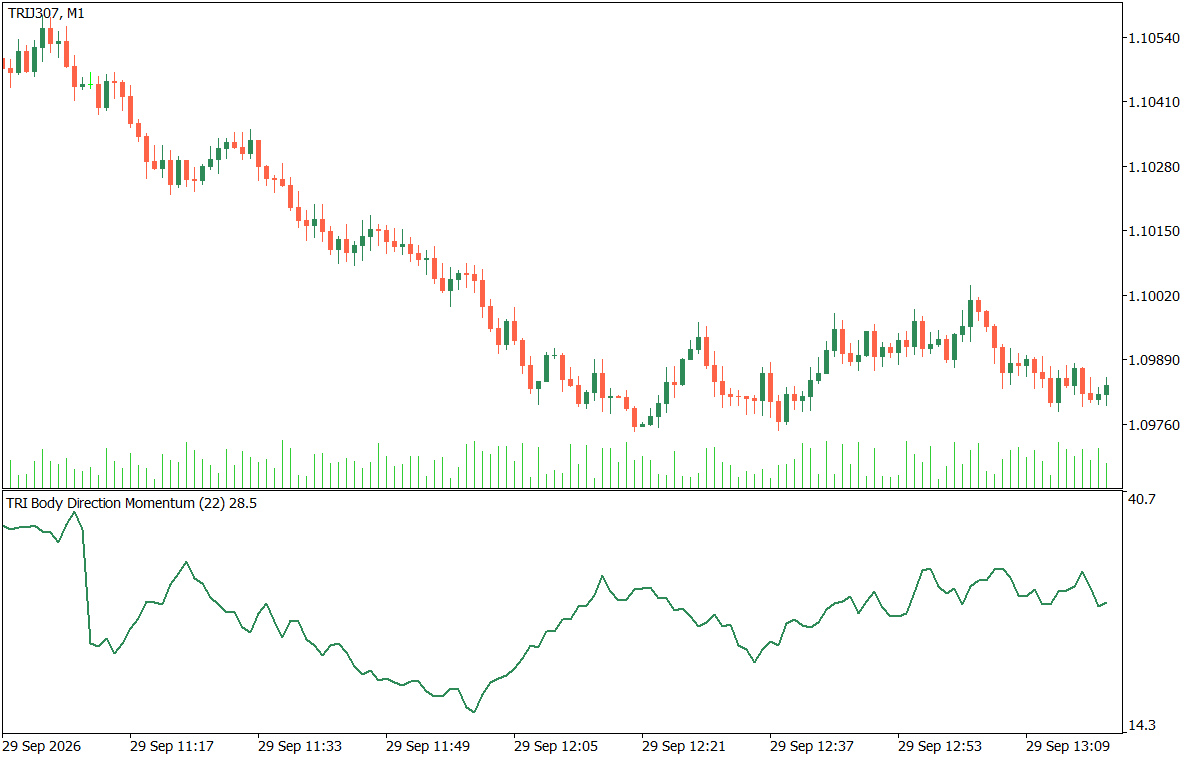
Examples with changed settings are in the manual.
Main settings
| Input | Default |
|---|---|
| Bars to average | 22 |
Usage specifications
Where the display starts
Display starts from the bar after as many bars as the averaging count have passed. With the default of 22, the first displayed bar is the 23rd bar counted from the oldest bar. Bars before that have no value.
Unit
The unit is point. For a currency pair quoted with 5 digits, 10 point corresponds to 1.0 pips. No conversion to the account currency is made. The meaning of point changes with the symbol, so do not directly compare the size of values across symbols.
When it goes below 0
This happens when the total contribution of the mismatched side exceeds that of the matched side. For example, if the contributions are +2, +1 and −10, only 1 of the 3 bars is mismatched, but the total is −7. It does not require consecutive price gaps or a majority of bars.
Bars whose close equals the open
They are treated the same as bearish bars. The value with its sign reversed is used.
Handling of the current bar
The current bar is recalculated each time the close moves. When the bar closes, its value is also fixed.
Additions and corrections to history
If the data provider adds or corrects past bars, recalculation runs from that range.
Full manual
How to read the display, the settings, installation and what to check when something goes wrong, on one page. The product is in preparation for release; the manual is published so that you can review its content.