Bar Range Average
Averages each candle's high minus low over a set number of bars and shows it in a sub-window. Four averaging methods are available. Gaps from the previous bar are not included.
Coming soon · MT5 only · no licence file needed
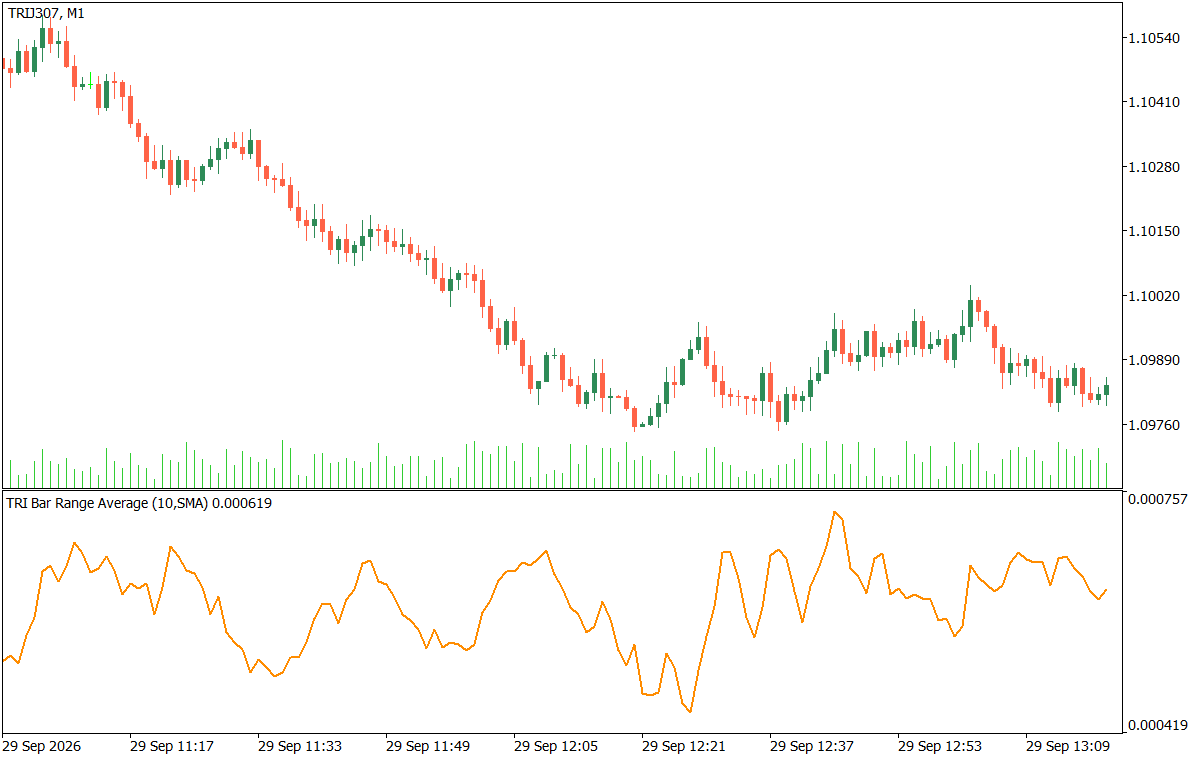
Examples with changed settings are in the manual.
Main settings
| Input | Default |
|---|---|
| Bars to average | 10 |
| Averaging method | SMA (simple) |
Usage specifications
Where the display starts
Display starts from the bar after 1 fewer bars than the averaging count have passed. With the default of 10, the first displayed bar is the 10th bar counted from the oldest bar. All 4 methods start from the same position.
Gaps are not included
The difference from the previous bar's close is not included in the calculation. The values do not match indicators that measure a range including gaps.
Unit
Same unit as the price. For a currency pair quoted with 5 digits, 0.00010 corresponds to 1.0 pips. The unit changes with the symbol.
Value range
Because the high is greater than or equal to the low, the value is never negative.
Handling of the current bar
The current bar is recalculated each time the high or low is updated. When the bar closes, its value is also fixed.
Additions and corrections to history
If the data provider adds or corrects past bars, recalculation runs from that range.
Full manual
How to read the display, the settings, installation and what to check when something goes wrong, on one page. The product is in preparation for release; the manual is published so that you can review its content.