Bar Close Countdown
Shows the time until the current bar is due to close in minutes and seconds (hours, minutes and seconds if one hour or more). It is not a signal of price direction or trade timing.
Coming soon · MT5 only · no licence file needed
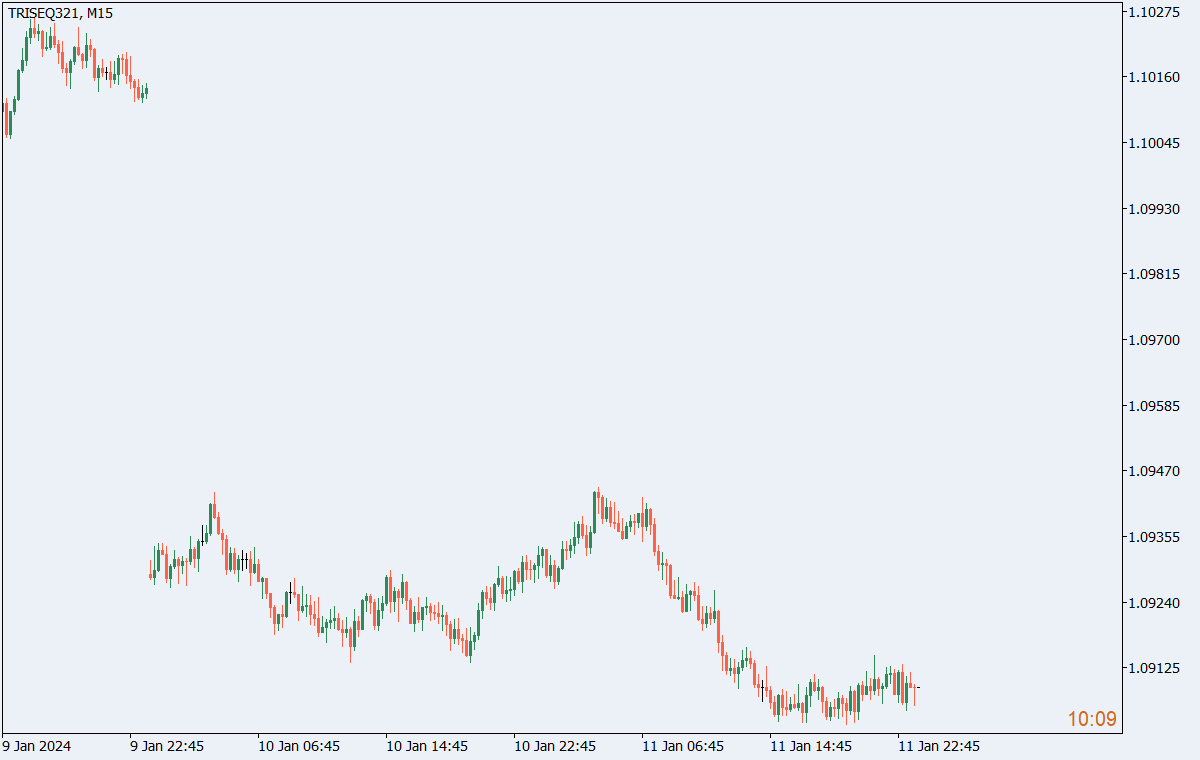
Examples with changed settings are in the manual.
Main settings
| Input | Default |
|---|---|
| Display Corner | Lower right (CORNER_RIGHT_LOWER) |
| Font Size | 10 |
| Text Color | Chocolate |
Usage specifications
Time boundaries and price feed
On regular timeframes, while waiting for a new bar slightly after the scheduled end of the latest bar, the display may carry over to the time until the next boundary. This carry-over is not done on weekly and monthly charts. A 0 shown while the market is closed is not necessarily an error.
Clock assumptions
The remaining time depends on the terminal's time calculation. Pay attention to PC clock drift, connection status and differences in trading hours.
When data cannot be obtained
The numbers may not appear yet, or earlier numbers may remain. Updating resumes when new data is obtained.
Only 1 instance of the same product on 1 chart
If you add the same product to the same chart more than once, the drawings overwrite each other, or deleting one also removes the display of the other. To use different settings at the same time, use separate charts.
For on-screen display only
It has no value buffers and shows its output as lines and text on the chart. It does not place trade orders or issue alerts. It does not guarantee profit or market direction.
Full manual
How to read the display, the settings, installation and what to check when something goes wrong, on one page. The product is in preparation for release; the manual is published so that you can review its content.