Adaptive Stochastic
Changes the look-back period with the ratio of short and long ranges, and shows from −100 to +100 where the close sits within the window. The calculation is not the same as the MT5 standard Stochastic.
Coming soon · MT5 only · no licence file needed
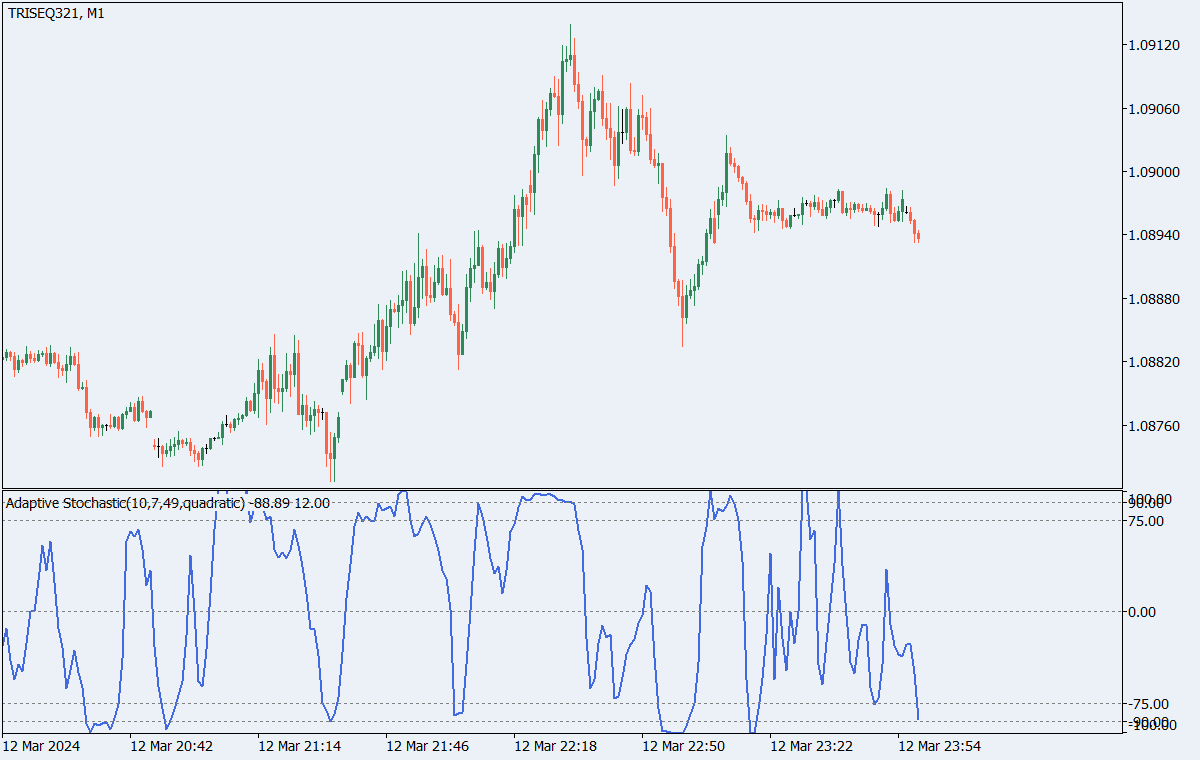
Examples with changed settings are in the manual.
Main settings
| Input | Default |
|---|---|
| Base Period | 10 |
| Fast ATR Period | 7 |
| Slow ATR Period | 49 |
| Square the ATR Ratio | true |
| Inner Level | 75 |
| Outer Level | 90 |
Usage specifications
Initial display and required history
The period is displayed once the long-term TR period's worth of bars is available. The blue line additionally needs history of that bar's search period + 3 bars. By default, the blue line does not necessarily appear from the 49th bar.
Quiet sections and when movement resumes
If the short-term TR is 0, the period is 1. If the long-term TR also becomes 0, the period returns to the base value. Right after the range returns, the period may lengthen sharply.
Forming bar
On the forming bar, the search period and the blue line change together with the range and close. It is also recalculated when past history is added or corrected.
Amount of calculation
The larger the search period and the number of history bars, the more calculation is needed. When changing to large settings, wait for the display to update, and avoid excessive settings.
Only 1 instance of the same product on 1 chart
This manual describes adding 1 instance of this product to 1 chart. To compare different settings, use separate charts.
For on-screen display only
Calculated values are stored in buffers and shown as lines and bars. It does not place trade orders or issue alerts. It does not guarantee profit or market direction.
Full manual
How to read the display, the settings, installation and what to check when something goes wrong, on one page. The product is in preparation for release; the manual is published so that you can review its content.
- MT5 display and examples of changed settings
- How to read it in 30 seconds
- What it measures
- Situations for reading the display
- Steps for checking the display
- Installation and checking the package contents
- Settings
- Usage specifications
- Troubleshooting and usage notes
- Technical information and specification details