Accelerated MA
Reflects the bar range and the gap between price and the average in a moving average, and draws one line on the price chart.
Coming soon · MT5 only · no licence file needed
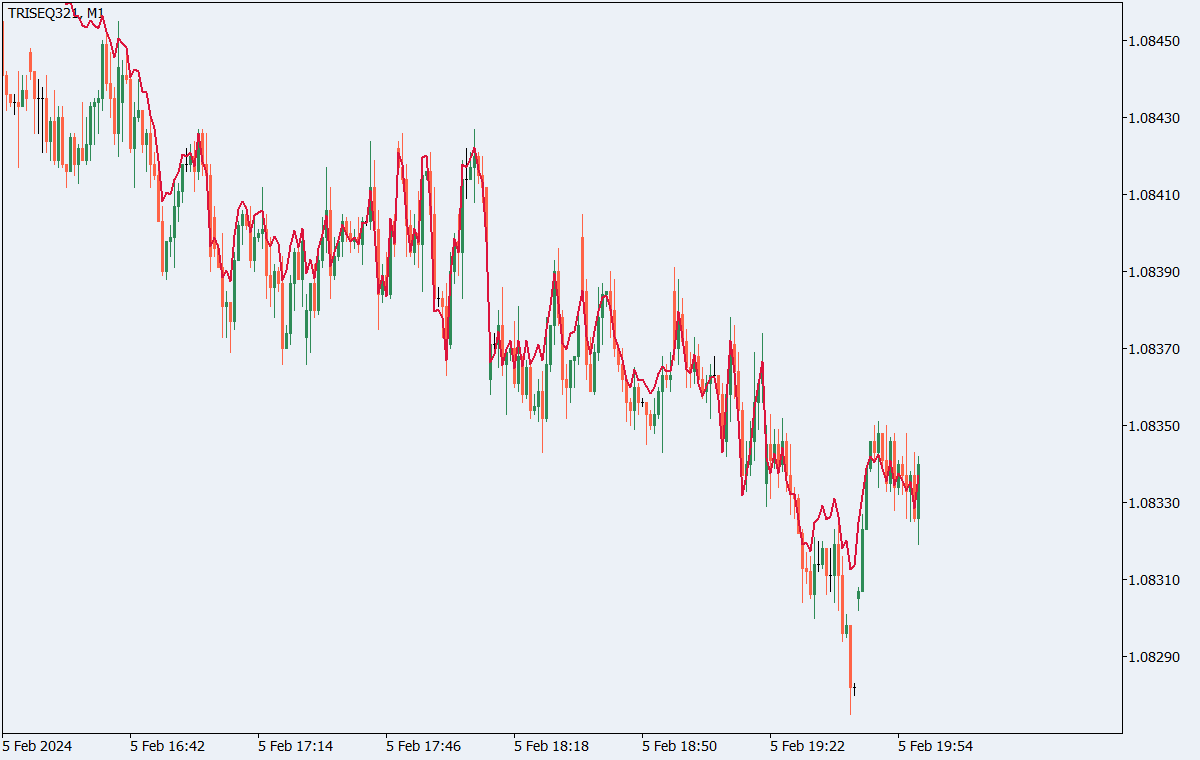
Examples with changed settings are in the manual.
Main settings
| Input | Default |
|---|---|
| Period | 50 |
Usage specifications
Required bars
Sections with fewer than Period bars are not displayed. By default, the first value is at the 50th bar from the oldest side.
Large deviation
CCI can exceed ±100, and the line can move many times the ATR away from the SMA. Do not use the line as upper or lower price limits or as a fixed stop.
Forming bar
The line changes with the current bar's high, low and close. It is also recalculated when settings change or history is corrected.
Difference from a simple average
A correction amount that differs bar by bar is added to the average. Do not expect the same smoothness as a regular moving average.
Only 1 instance of the same product on 1 chart
This manual describes adding 1 instance of this product to 1 chart. To compare different settings, use separate charts.
For on-screen display only
Calculated values are stored in buffers and shown as lines and bars. It does not place trade orders or issue alerts. It does not guarantee profit or market direction.
Full manual
How to read the display, the settings, installation and what to check when something goes wrong, on one page. The product is in preparation for release; the manual is published so that you can review its content.